
Google Rolls Out Face Sign-In: What You Need to Know
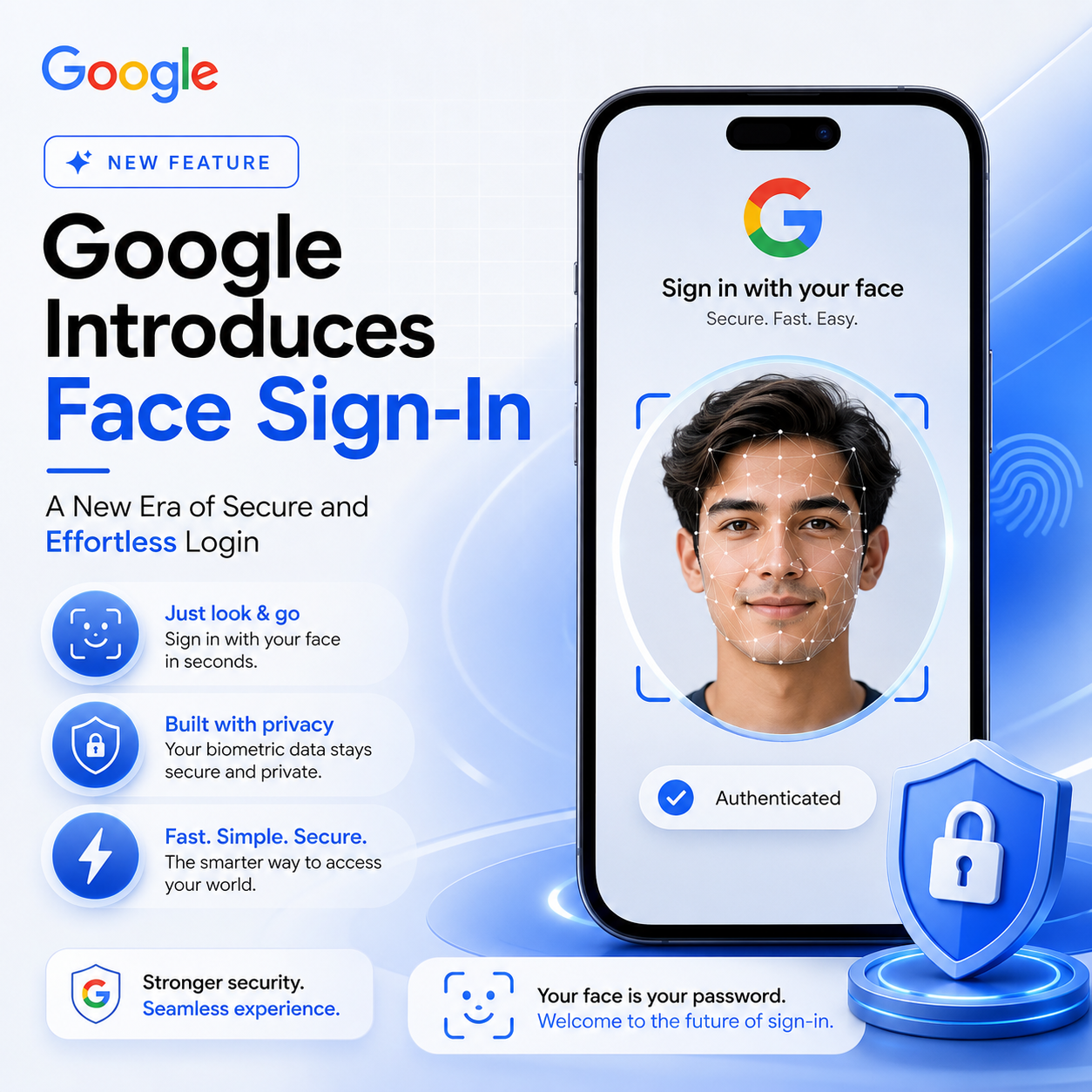
In a move poised to redefine digital security and user convenience, Google has announced a groundbreaking update: users can now sign in to their Google accounts using facial recognition. This major rollout marks a significant leap towards passwordless authentication and showcases Google's commitment to providing both robust security and a seamless user experience. In this blog post, we’ll explore how Google’s new face sign-in feature works, its benefits, potential drawbacks, and what it means for the future of online privacy and accessibility.
Why Face Sign-In? The Evolution of Google Account Security
Passwords have long been the cornerstone of online security, but they are not without flaws. Weak, reused, or stolen passwords are a leading cause of data breaches. Recognizing this, tech giants like Google have been investing heavily in advanced authentication technologies, including biometrics. Facial recognition stands out as a user-friendly and secure alternative, reducing reliance on traditional passwords and enhancing protection against unauthorized access.
How Does Google’s Face Sign-In Work?
The new face sign-in feature leverages advanced facial recognition technology embedded in modern smartphones and laptops. Here’s an overview of how it works:
- Device Compatibility: The feature is available on devices with secure facial recognition hardware, such as recent Android phones, select Chromebooks, and certain Windows or Mac computers with supported biometric sensors.
- Enabling the Feature: Users can activate face sign-in in their Google Account settings under the "Security" or "Sign-in & recovery" section.
- Authentication Process: Instead of entering a password, users simply look at their device’s camera. The facial recognition system verifies their identity and grants access to their Google account.
- Fallback Options: If facial recognition fails or isn’t available, users can still sign in using their password, PIN, or another registered authentication method.
Security Measures and Privacy Controls
Google’s face sign-in is designed with privacy and security at its core. Here are some of the built-in safeguards:
- On-Device Processing: Facial data is processed and stored securely on the device, not on Google’s servers, minimizing the risk of data breaches.
- Anti-Spoofing Technology: Advanced algorithms detect attempts to use photos, videos, or masks to trick the system, ensuring only the genuine user can unlock the account.
- User Control: Users have full control to enable, disable, or reset face sign-in at any time. All biometric data can be deleted from the device through the settings menu.
- Two-Factor Authentication Compatibility: Face sign-in can be used alongside two-factor authentication (2FA) for added security layers.
Benefits of Google’s Face Sign-In Update
The new update brings numerous advantages to both casual users and professionals:
- Enhanced Security: Biometric authentication is significantly harder to compromise than traditional passwords, reducing the risk of phishing and brute-force attacks.
- Convenience: No more forgotten passwords or tedious entry of long passphrases—sign in with just a glance.
- Faster Access: Instant login speeds up access to Gmail, Drive, Photos, and other Google services, improving productivity.
- Accessibility: Users with disabilities benefit from a frictionless and inclusive authentication method.
Potential Concerns and Limitations
While the face sign-in feature offers many benefits, it’s important to consider potential drawbacks:
- Device Dependency: The feature only works on devices with compatible hardware and up-to-date software.
- Privacy Worries: Some users may be hesitant to use facial recognition due to concerns about surveillance or data misuse, despite Google’s reassurances.
- Reliability: Factors like lighting conditions, camera quality, and physical changes in appearance (e.g., facial hair, glasses) can sometimes affect recognition accuracy.
- Legal and Ethical Issues: Biometric data is sensitive, and its collection and use are subject to regional laws and regulations that may impact availability.
How to Enable Face Sign-In on Your Google Account
If you’re eager to try Google’s new face sign-in, here’s a quick guide to get started:
- Update Your Device: Ensure your smartphone, tablet, or computer is running the latest operating system version and has biometric hardware enabled.
- Open Google Account Settings: Go to myaccount.google.com and navigate to the "Security" tab.
- Locate Sign-In Options: Find and select "Face sign-in" or "Biometric authentication."
- Follow On-Screen Instructions: Set up your face data by positioning your face in front of the device’s camera and following the prompts.
- Test the Feature: Log out and attempt to sign back in using the facial recognition option.
Frequently Asked Questions
- Will my facial data be shared with Google? No, your facial data is processed and stored locally on your device, not sent to Google’s servers.
- Can I still use my password? Yes, face sign-in is optional and can be used alongside your traditional password or other authentication methods.
- What happens if I grow a beard or wear glasses? Modern facial recognition systems are designed to adapt to minor changes in appearance, but you may need to re-scan your face if recognition fails consistently.
- Is face sign-in available for all Google services? At launch, the feature is enabled for core Google services, with plans to expand support to more apps and platforms soon.
The Future of Passwordless Authentication
Google’s introduction of face sign-in is a major step towards a passwordless future. As more users adopt biometric authentication, we can expect even greater innovation in secure, user-friendly login methods. The days of memorizing dozens of complex passwords may soon be behind us, replaced by technologies that are both safer and more convenient.
For now, Google’s new update makes signing in easier, faster, and more secure than ever before. If you value convenience and security, it’s time to explore what face sign-in can do for your digital life.